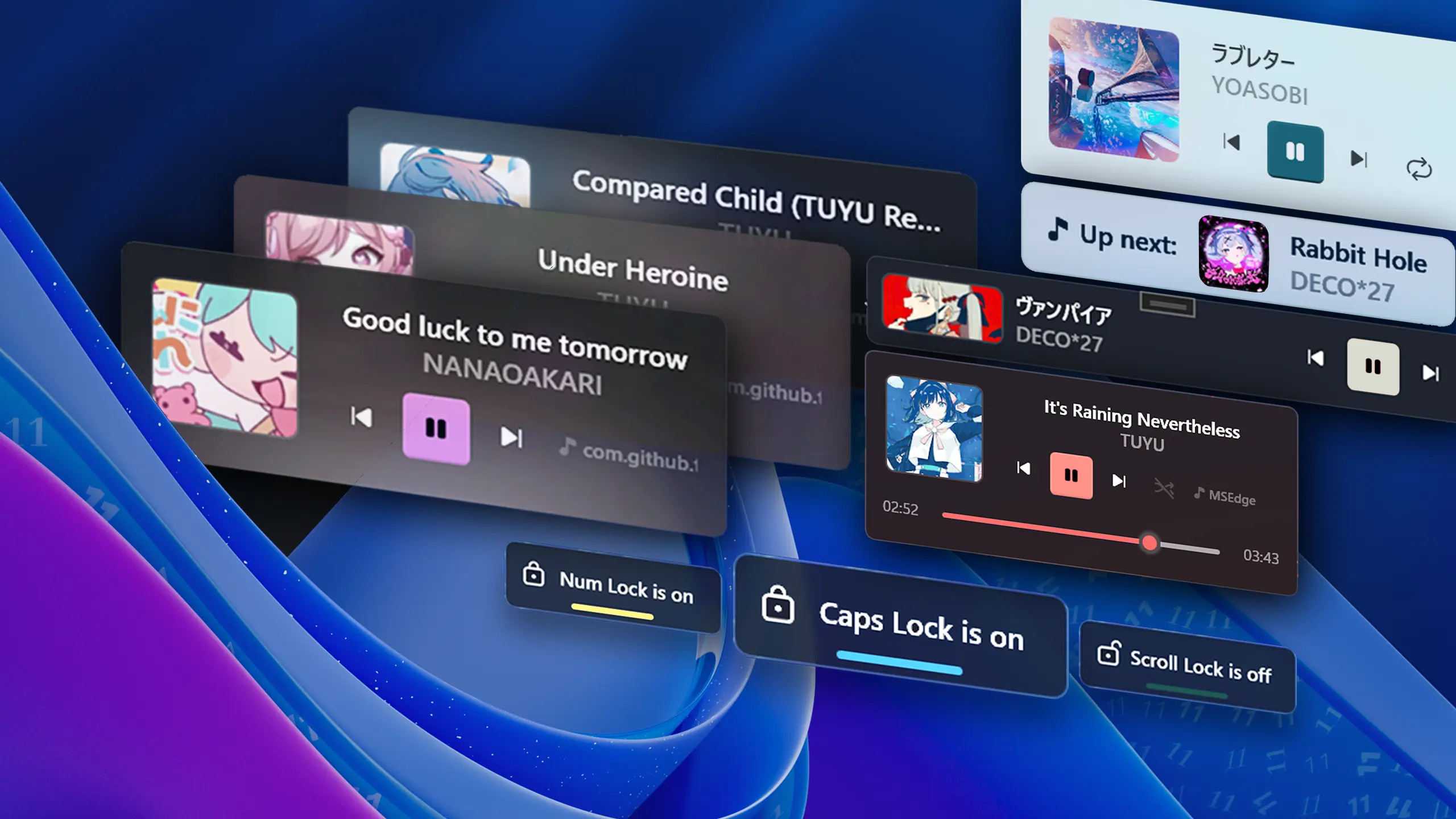
Major Update
Update 2.8 - New Features, QoL changes & Fixes!
❤️ I'd like to thank every contributor for their work on improving FluentFlyout — I really appreciate it, and it's because of you that we've reached the 100K+ installs milestone! 🎉
📝 Changelog
New settings:
- 🔊 Audio Visualizer Peak Threshold — Added a new option in
Settings > Taskbar Visualizerto adjust how loud audio must be for the bars to reach their maximum height. If you tend to play media loudly or softly, you can try adjusting this setting. - ⚙️ Close Flyout on Second Click — Added an option to close the Media Flyout when clicking the Taskbar Widget while it's displayed, available in
Settings > Taskbar Widget > Close Flyout on Second Click - 💾 Import/Export Settings — Added Import/Export functionality for settings and configurations in
Settings > System - ⚙️ Taskbar Widget Media Buttons Position — Added a setting to display the media buttons on the left or right in the Taskbar Widget
Other updates:
- Improved compatibility with other third-party apps that modify how the taskbar works like WindHawk and ExplorerPatcher by improving taskbar widgets handling
- Improved the way displays are ordered when selecting target displays in settings. This should improve reliability when selecting different monitors, though you might have to re-select the correct monitors as they might be re-ordered.
- Target displays will now also show their name in settings to help with selection.
- Slightly changed the background of the settings window UI to match Windows more closely.
- Improved padding between the Taskbar Widget and Taskbar Visualizer
- Fixed Lock Keys Flyout being too narrow and cutting off text on unsupported languages
- Fixed issue where if audio is stopped, bars will remain displayed and paused on the Taskbar Visualizer.
- Fixed "View logs" button in settings not opening the logs folder
- Update to .NET 10 for slight performance improvements
- Update translations of over 18 languages (Thanks to @Xshadow9 @mak7im01 @oski165 @junior0liveira @FenrirXVII @xsm2 @qlintenFX @hayiamzhengxum @reindex-ot @VolodymyrBryzh @nath89-52 @universeitde @soumilnegi154 @D4NA-DANA @Pigeon0v0 @belawastaken @weiss-rn @3mr9 @muratotar7 @Self4215 @prakashgd @rknastenka @TranMC and others on Weblate ❤️)
- Other bug fixes and changes
- Full Changelog: https://github.com/unchihugo/FluentFlyout/compare/v2.7.2...v2.8.0
❤️ Code Contributors
@DmitriySalnikov, @FaroJoaoFaro, @Hikaru11747, @mak7im01, @unchihugo, @weblate on GitHub