Minor Update
Update 2.11.2 - Quality-of-Life & Bug Fixes
📝 Changelog
- ↕️ Vertical Taskbar Widgets — Added support for vertical taskbar layouts! If you prefer your taskbar on the left or right side of your screen (Windows Insiders builds recently started testing this out), the taskbar widgets will now automatically adapt.
- 🔉 Fixed default audio device logic — the Taskbar Visualizer and Volume Flyout will now update again if you change your default output device.
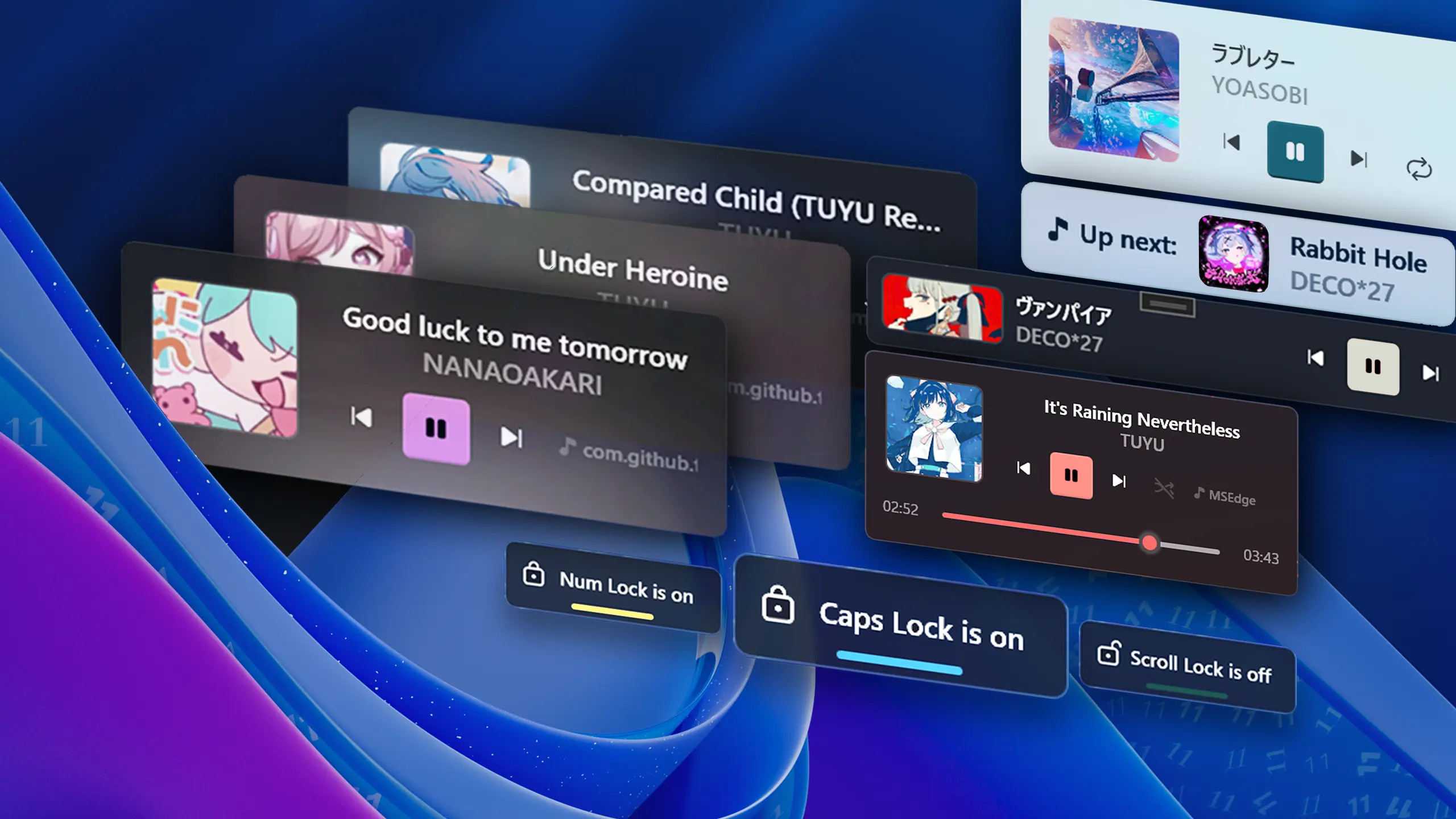
- Fixed a Media Flyout layout issue where an empty space would appear if the player info setting was disabled.
- Optimized startup times by removing unnecessary initializations on boot.
- Fixed log files not updating after v2.11.1
- Other bug fixes and changes
Language updates:
- Added a Korean translation for the repository README.
- Updated translations of 9 languages (Thanks to @bugycugy @Ste3798 @junior0liveira @Ahemetgul @D4NA-DANA @aic-6301 @tnhung2011 @TranMC @Splackx @PhongsathonDev @angelmartinez07 ❤️)
Code changes:
- Implemented under-the-hood repository improvements, including
.editorconfigcode style standardization and GitHub workflow security fixes. - Full Changelog: https://github.com/unchihugo/FluentFlyout/compare/v2.11.1...v2.11.2
View hashes
| Version | SHA-256 hash |
|---|---|
| GitHub Release x64 | 2b2dd3db697154cff4db5bc8dae3be2e1fd25c02675572db60dfb7bd3bb435b5 |
❤️ Code Contributors
@D4NA-DANA, @notaarryan, @unchihugo, @weblate on GitHub