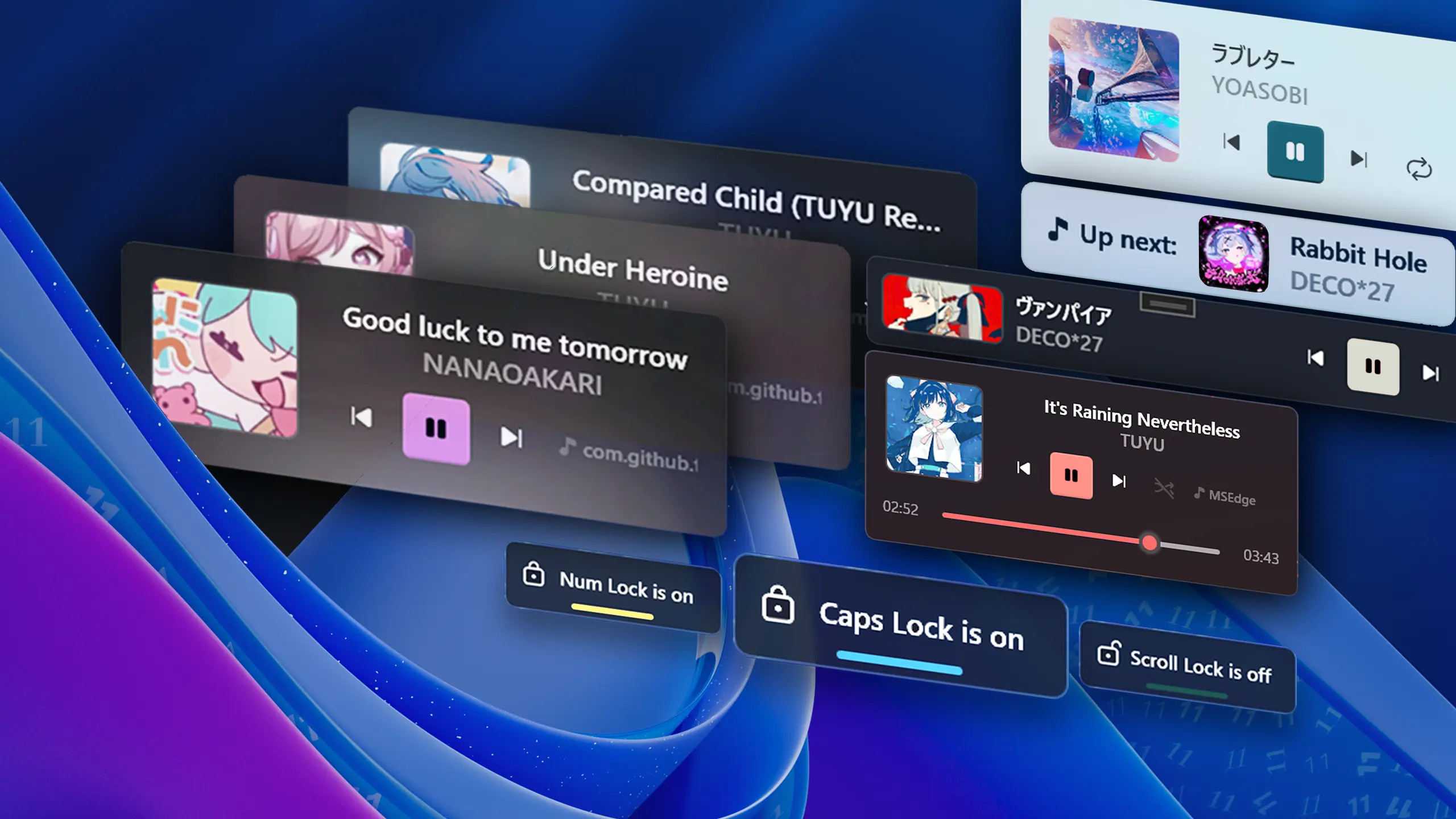
Update 2.15 - Enhanced Taskbar Widgets & More
Introducing FluentFlyout v2.15: enhanced taskbar widget functionality and layouts, improved multi-monitor and DPI scaling, media flow stability fixes, refined audio visualizer rendering, and more. 🎉 Thanks to everyone for the continued support and feedback! <3
📝 Changelog
🧩 Taskbar Widget Enhancements & Layout Polish
We've significantly refined the taskbar widget experience, including improvements designed to ensure smooth compatibility with the new Windows taskbar features:
Taskbar widget layouts have been overhauled to work with new taskbar layouts introduced in recent Windows updates. The taskbar media and visualizer widgets will now integrate properly to all positions at all sizes. For example, the widgets now adapt if the taskbar size is set to small and positioned at the top:
or to the left:
Scrolling on the taskbar widget now changes the volume, and you can set it to control the master volume, adjust the specific player’s volume, or disable it entirely. The hover tooltip also shows the player’s volume, making it quick and easy to tweak without opening anything else.
Right-clicking the widget now brings up a context menu, where you can quickly access settings or jump straight to the media player.
We also tackled two prominent visual bugs:
- Flyout Jump Fix: Resolved an annoying bug where flyouts could abruptly "jump" upwards when closing if the taskbar is set to the top position. This should also fix incompatibilities with YASB and more.
- Marquee Glitch: Fixed a visual glitch on the left edge of the taskbar media widget that occurred while scrolling long text in marquee mode. https://github.com/unchihugo/FluentFlyout/pull/1041
🖥️ Display & DPI Scaling Improvements
For users with multi-monitor setups or variable display scaling, flyouts now adapt seamlessly! We've overhauled how flyout windows handle display changes and dynamic DPI scaling. Moving between monitors with differing scaling factors (for instance, switching between a 100% external monitor and a 150% laptop screen) or modifying your Windows scale settings will no longer cause flyouts to clip, stretch, or render in the wrong position.
🎵 Media Flyout & Visualizer Refinements
The Media Flyout received several stability improvements and visual adjustments:
Continuous Seekbar Updates: Fixed an issue where the media widget progress seekbar would pause or stop advancing when opening the volume flyout concurrently or in other similar scenarios. The widget will now display the progress more accurately, if enabled.
Visualizer Bars Anti-Aliasing: Improved the anti-aliasing and symmetry on the audio visualizer bars, ensuring bars now render smoothly and symmetrically across all DPI displays. Previously, the bars were slightly asymmetrical and pixelated depending on DPI.
Control Alignment: The media flyout controls (play/pause, rewind, forward, etc.) will now align to the center if the center title and artist option is enabled. This should result in a much more visually balanced look in those setups.
Other updates:
- 🎯 App Filtering Accuracy: Fixed an issue where app filtering matched display names partially as well, avoiding unintended app matches. For example, if you manually filter "Chrome", it might previously include Chrome Canary.
- 📐 Bottom-Center Flyout Offset: Adjusted bottom-center flyout positioning, ensuring clean alignment above the taskbar if the volume flyout is enabled. Previously, we left a space for the native Windows volume flyout, no matter what.
- Diagnostic Logging Improvements: Updated
GetLogsPathto reliably locate log directories across all supported Windows versions and install formats to help troubleshooting. - Addressed edge-case crashes and instability within the active media session listener, making media playback detection more reliable.
- Fixed bug where the onboarding window always showed the GitHub version hint, even on Microsoft Store versions.
- Other minor bug fixes and UI polish.
Language updates:
- Updated translations across various languages (Thanks to @topusuke @FluffyFuri @oski165 @mustafapekacar @RedStoneBili @mak7im01 @urielejh @Self4215 and others on Weblate ❤️).
- Replaced hardcoded strings with localized strings to ensure full translation coverage across all supported languages.
Code updates (for open source contributors):
- Updated the
unchihugo.wpf-uiframework fork dependency and adjusted control priorities across the UI tree. - Standardized premium buttons across code to a reusable component.
- Updated ComboBox UI styling across settings to match WinUI more closely.
- Updated documentation download statistics and dependency listings in README.
- GitHub Commits Changelog: https://github.com/unchihugo/FluentFlyout/compare/v2.14.0...v2.15.0
View hashes
| Version | SHA-256 hash |
|---|---|
| GitHub Release x64 | e107cc258d8b4ab0700cc9f95f0b03dcca3298dea3c1b9b89ebbd1e2028c2154 |
❤️ Code Contributors
@AndyAnderson8, @Fuku856, @Jones8683, @lgc2333, @unchihugo, @vermilion10, @weblate on GitHub